.png?width=225&height=60&name=225x60%20Logo%20(1).png)
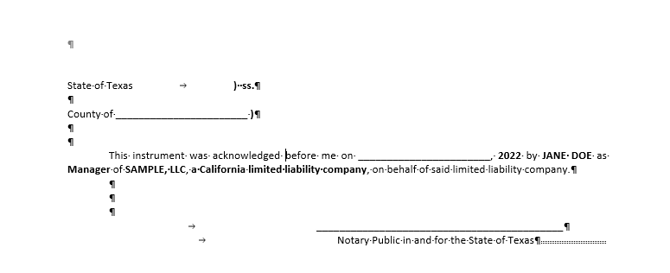
GoDocs currently supports one notary acknowledgment type per generated package. Two ways to handle a split signing:
- Have the notary in the other state use the printed acknowledgment as a placeholder and substitute their own state's form.
- Redraw the documents for the other state and send only that notary page to the respective notary.
Selecting the State where signatories will sign documents affects which state the notary acknowledgments that come into documents are for. Please note the notary acknowledgments contained in the loan document package serve as placeholders only and should be tailored and completed by the notary as deemed appropriate. If you have different signers signing in different states, you may replace those placeholders yourself post delivery or submit the order as Premium service with the description of which signer is signing in a different state in the Special Instructions.